
My Credit Progress
Loading your credits…
Checking your graduation progress.
—complete
Sign in with your Highlands student Google account to see your credits and next steps.
Preparing secure student sign-in…
Sign in securely with Google to see your own school records.
Start. Plan. Progress. Graduate.
See your next steps, find help, and check your credits.
Sign in with your Highlands student Google account to see your credits and next steps.
Start where you are. Follow these steps toward graduation.
Where do I begin?
Get oriented to enrollment, assessments, transcripts, placement, and your goals.
Who can help me?
Connect with your counselor and understand your graduation plan and goals.
What do I do next?
Keep attending, completing coursework, checking in, and making steady progress.
What do I need to finish?
Review remaining requirements with your counselor and complete the final steps.
Answer a few simple questions and get a recommended next step.
Hi Student. Plan your next steps here. Your checklist does not change your school records.
Choose a date to see your classes and teachers.
This checklist tracks your own plan. Checking a box does not complete a school requirement.
Your progress is based on school records. Confirm graduation requirements with your counselor.
See your teachers, classes, and schedule.
See the credits you have earned and what you still need to graduate.
This usually takes only a moment.
Use this guide to understand each stage. Your counselor and official graduation plan remain the source of truth for your individual requirements.
This is general guidance only. It does not access your student record or replace your counselor or official graduation plan.
Find student tools, choose a support topic, or contact Student Services.
Choose a topic to find help. Student Services can connect you with the right person.
Practice interviews and English, play learning games, build your resume, and find transportation and school information.
If you are not sure who your counselor is or what to do next, Student Services can help connect you with the right person.
Choose your campus to include it in your email to Student Services. Review the draft before sending.
These are members of the Highlands counseling team. If you are not sure who is assigned to you, Student Services can help route you.

Director of Student Services
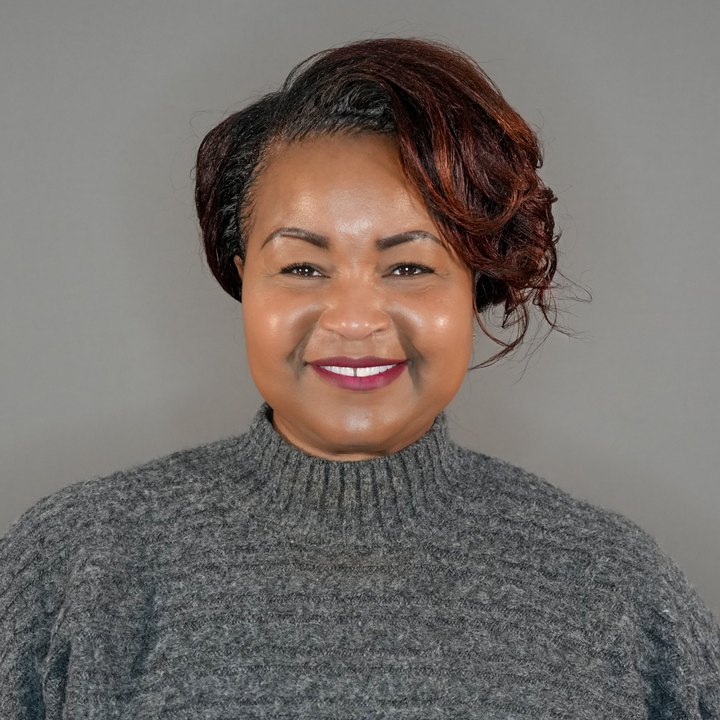
Counselor

Counselor

Counselor
Counselor assignments can change. Use Student Services if you need help confirming the right counselor for you.
Ask Highlands staff about registration, orientation, assessments, placement, prior credits, transcripts, and student goals.
Use the Path Check for general guidance, then confirm your individual next steps with your counselor.
Meet with your counselor to verify remaining credits, coursework, pathway requirements, assessments, and any final steps that apply to you.
Open a clean one-page version of Start, Plan, Progress, Graduate that can be printed or saved as a PDF for students.
Send a quick note if something is unclear, missing, or difficult to use.
Know Your Path is designed to provide general student guidance while collecting as little information as possible.
For student accounts, Know Your Path securely retrieves graduation requirements and credit progress from PowerSchool after Google sign-in. It does not request or store your PowerSchool password. Other planning information may remain local to your device.
To make the guide easier to use, your selected language, appearance setting, selected Highlands site, Path Check result, personal checklist, planning snapshot, and reminders may be stored in your browser's local storage. When signed in, this data is separated by Highlands account on that device. It is not an official student record and does not automatically sync to another device.
When you choose to email Student Services, the guide opens your email application and may prefill your selected site and, if you are signed in, your name, verified Highlands student email and student ID number. The guide does not send the message for you. Phone links open your device's calling feature.
Links to hccts.org or other Highlands resources open external pages that may have their own privacy practices. This policy applies only to the Know Your Path guide.
Know Your Path records signed-in usage to help approved school leaders understand adoption and improve support. Reports use a coded account identifier, dates, general device type and feature actions. Usage records do not include names, emails, student numbers, credit values or questionnaire answers. There are no advertising trackers. Google, Firebase and the hosting provider also process authentication and technical logs.
Know Your Path shows your credit progress. Your counselor and official graduation plan confirm what you need to graduate.
This policy should be reviewed whenever Know Your Path adds or materially changes live student-data integrations, analytics, or other connected services.